
Best Ergonomic Practices for Comfortable and Efficient Workspaces
Introduction to Ergonomics
Creating a comfortable and efficient workspace is crucial for maintaining health and boosting productivity. Ergonomics focuses on designing work environments that fit the user, minimizing strain and discomfort.
Key Ergonomic Practices
1. Proper Chair Adjustment
Ensure your chair supports your lower back and allows your feet to rest flat on the floor. Adjust the height so that your knees are at a 90-degree angle. For more tips, visit our chair ergonomics guide.
2. Correct Desk Height
Set your desk height to keep your forearms parallel to the ground while typing. An adjustable desk can help achieve optimal positioning. Learn about desk setup tips.
3. monitor Positioning
The monitor should be at eye level and about an arm's length away to reduce neck strain. Use ergonomic monitor stands if necessary. Explore monitor placement strategies.
4. Keyboard and Mouse Placement
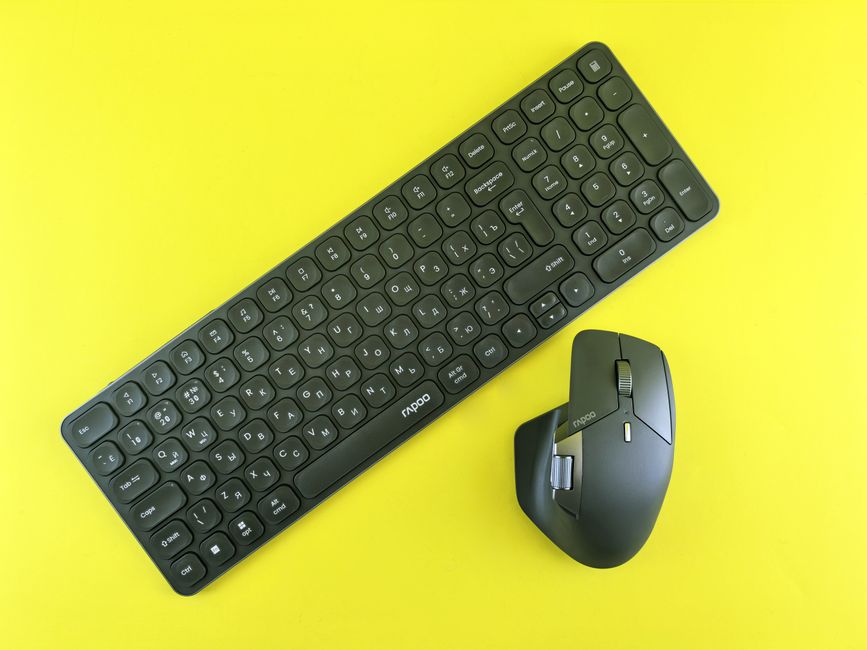
Position your keyboard and mouse to keep wrists straight and close to your body. Consider ergonomic accessories for enhanced comfort. Read more in our keyboard and mouse ergonomics article.
Additional Tips for a Healthy Workspace
- Take regular breaks to stretch and move around.
- Maintain good lighting to reduce eye strain.
- Organize your workspace to avoid clutter and promote efficiency.
Conclusion
Implementing these ergonomic practices can significantly improve your comfort and productivity. Start optimizing your workspace today for a healthier work environment.
Revolutionize-Your-Office-Setup-with-These-Simple-Adjustments--
The-Hidden-Dangers-of-Poor-Posture-and-How-to-Avoid-Them--
Uncover-the-Truth-About-Standing-Desks-and-Productivity-Gains--
Surprising-Benefits-of-Biohacking-for-Long-Term-Office-Comfort