
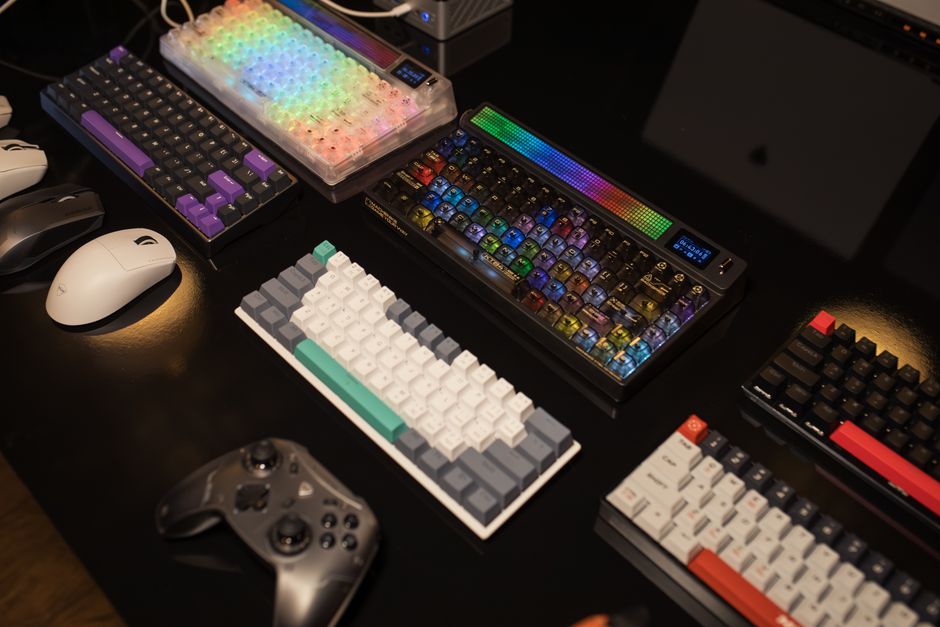
Customize Controls for Better Gaming Experience
Why Customize Controls?
Personalizing control settings allows gamers to enhance comfort and efficiency. By customizing controls, players can tailor gameplay to their preferences, which often results in better performance and more enjoyable sessions.
How to Customize Controls
Most modern games provide options to customize controls in the settings menu. Here are the basic steps:
- Access the game’s settings or options menu.
- Navigate to the controls or keybindings section.
- Reassign keys or buttons to match your comfort and play style.
- Test the new setup, and make adjustments as needed.
Tips for Effective Control Customization
Consider these tips to optimize your controls:
- Stay consistent with control schemes across similar games for easier muscle memory development.
- Use keyboard remapping for complex actions to reduce hand movement.
- Leverage advanced settings like sensitivity adjustments for precise control.
- Save multiple profiles if you switch between different game genres or styles.
Conclusion
Customizing controls can significantly improve your gaming efficiency and enjoyment. Don't hesitate to experiment with different configurations to find what works best for you. Remember, a tailored control scheme can make all the difference in competitive and casual gaming alike.