
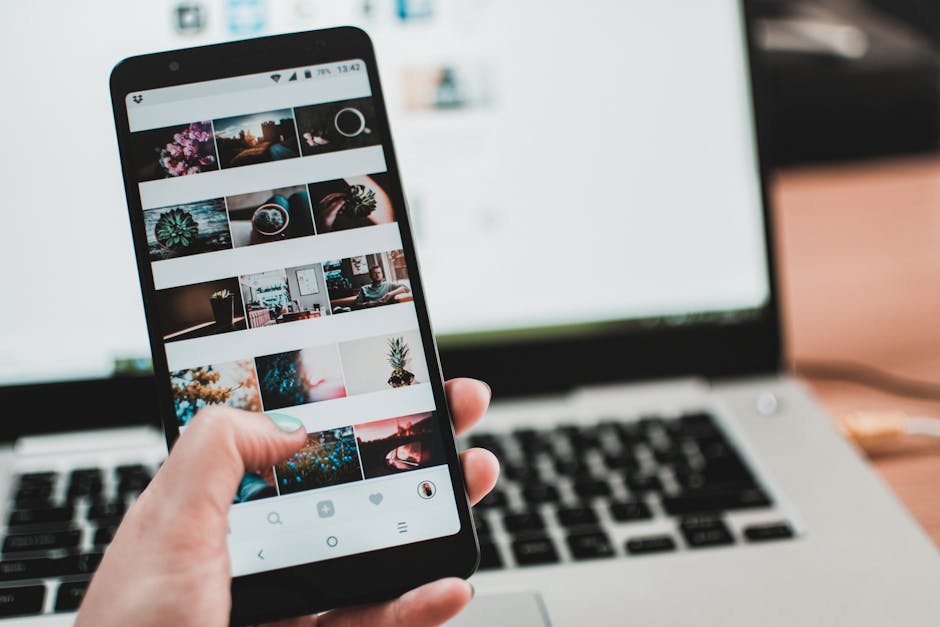
Effective Security Measures and Tips for Screen Sharing Tools
Introduction to Security in Screen Sharing
Screen sharing tools have become indispensable for remote work, online collaboration, and presentations. However, sharing your screen can pose security risks if not managed properly. Implementing robust security measures is critical to protect sensitive information from unauthorized access.
Common Security Risks
- Unintended data exposure
- Unauthorized access by malicious actors
- Data breaches from insecure connections
- Leakage of private or confidential information
Top Security Measures for Screen Sharing
1. Use Encrypted Connections
Always ensure that your screen sharing tools support end-to-end encryption. This setup guarantees that your data remains private during transmission. Platforms like Zoom and Google Meet offer encryption features that protect your shared content.
2. Control Access with Permissions
Limit who can join or view your screen by setting up password protections and meeting access controls. Never share your meeting links publicly unless necessary. Many tools also allow you to assign roles, such as host or attendee, to better manage permissions.
3. Regularly Update Software
Keep your screen sharing applications up to date to benefit from the latest security patches and features. Developers frequently release updates addressing security vulnerabilities.
4. Disable Sharing When Not in Use
Practice turning off screen sharing when it is not needed, preventing accidental exposure of private information and minimizing security risks.
5. Use Secure Networks
Avoid sharing screens over public Wi-Fi networks. Use a trusted and secured internet connection to reduce the risk of interception.
Additional Security Tips
- Be cautious about sharing sensitive information, even during a secured session.
- Verify participants before granting access to your screen. Use features like waiting rooms or participant approval.
- Maintain good cybersecurity hygiene by using strong, unique passwords and enabling two-factor authentication where available.
Conclusion
Ensuring security while using screen sharing tools is crucial for protecting your data and privacy. By following these best practices and staying vigilant, you can enjoy the benefits of remote collaboration without compromising security.