
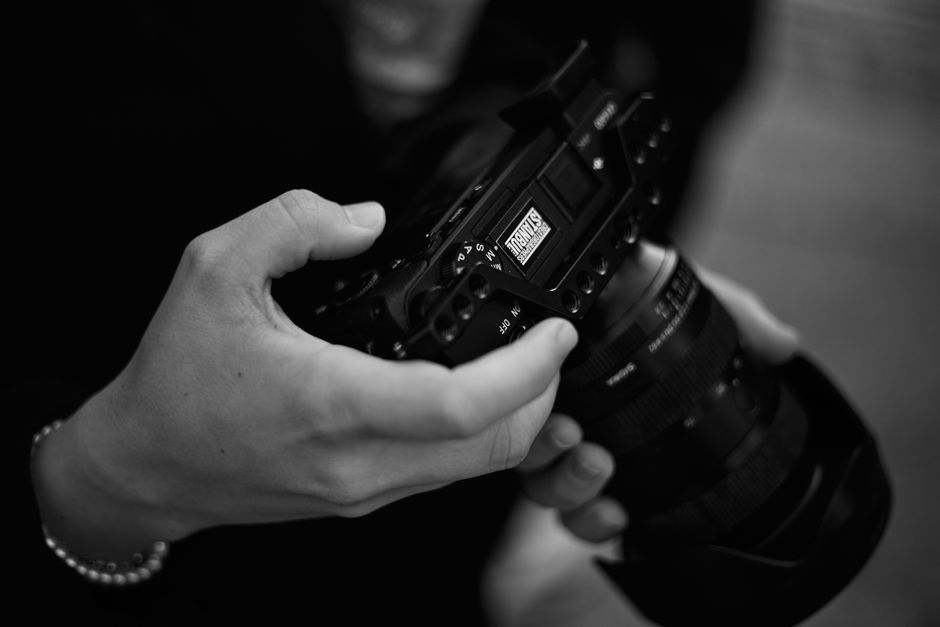
Top Gear Camera Settings for the Best Driving Experience
Introduction to Top Gear Camera Settings
For fans of Top Gear camera settings, capturing the thrill of high-speed driving and exciting stunts requires the right equipment and configuration. In this guide, we will explore the best settings for Top Gear to ensure your footage is sharp, smooth, and professional-looking.
Choosing the Right Camera
To achieve high-quality shots similar to those seen on Top Gear, start with a flexible action camera or DSLR that can handle fast motion and varying lighting conditions. Consider models with good stabilization features and high frame rate capabilities.
Essential Camera Settings
- Resolution: Use 4K or 1080p for clear, detailed footage.
- Frame Rate: Set to 60fps or higher for smooth slow-motion effects.
- Shutter Speed: Use a shutter speed of at least twice the frame rate (e.g., 1/120s for 60fps) to prevent motion blur.
- ISO: Keep ISO as low as possible to reduce noise, adjusting based on lighting conditions.
- Stabilization: Enable digital or optical stabilization to keep footage steady in high-speed shots.
Additional Tips for Shooting Top Gear-Style Footage
To mimic the dynamic style of Top Gear, consider using multiple camera angles, mounting cameras on the vehicle, and adjusting settings for different lighting scenarios. Experimenting with different camera setups can help you achieve professional results.
Conclusion
By fine-tuning your camera settings for Top Gear, you can produce footage that captures the excitement and energy of high-performance automotive content. Practice and experimentation are key to mastering these settings and creating impactful videos.